
See every tow around your fleet.
Every BargeIQ tracker on the water listens for AIS and relays what it hears, so you see the tows around your fleet, and you can get a push when a particular boat reaches your zone.
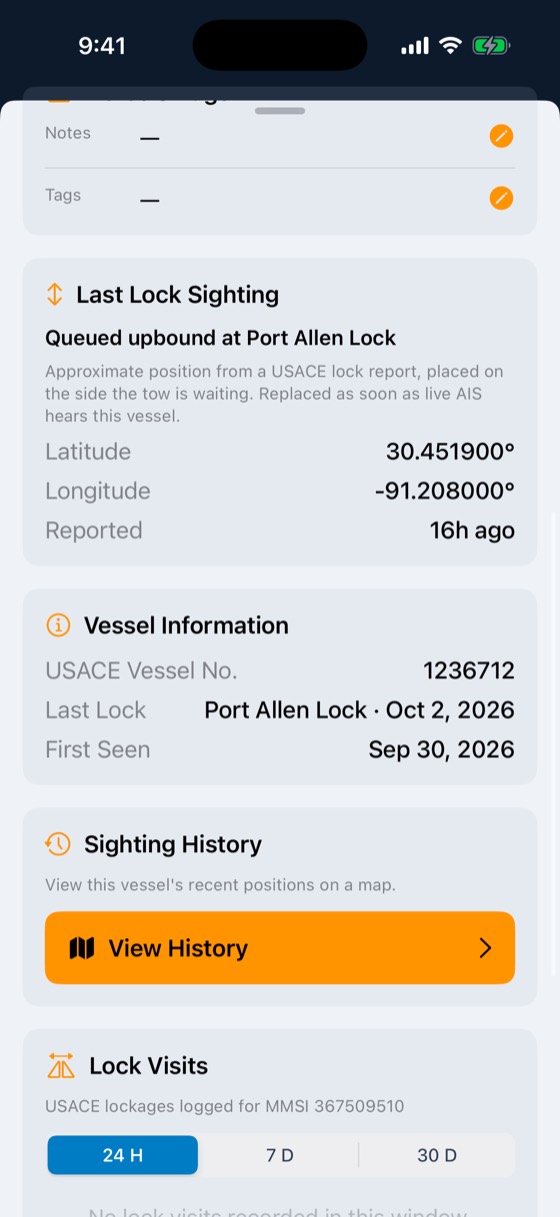
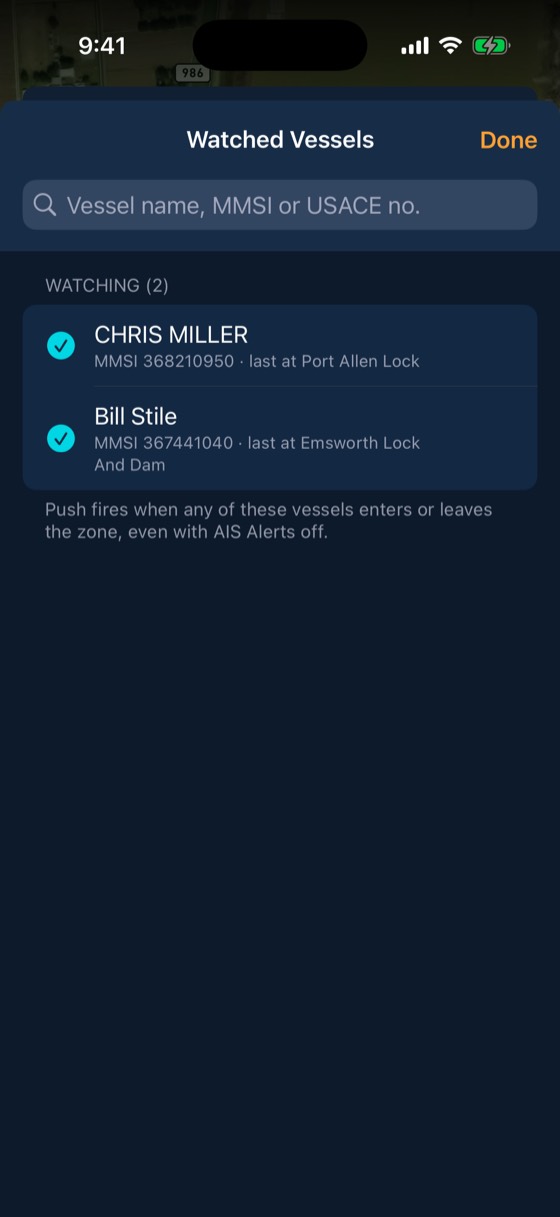
Every tow on the river, right next to your fleet.
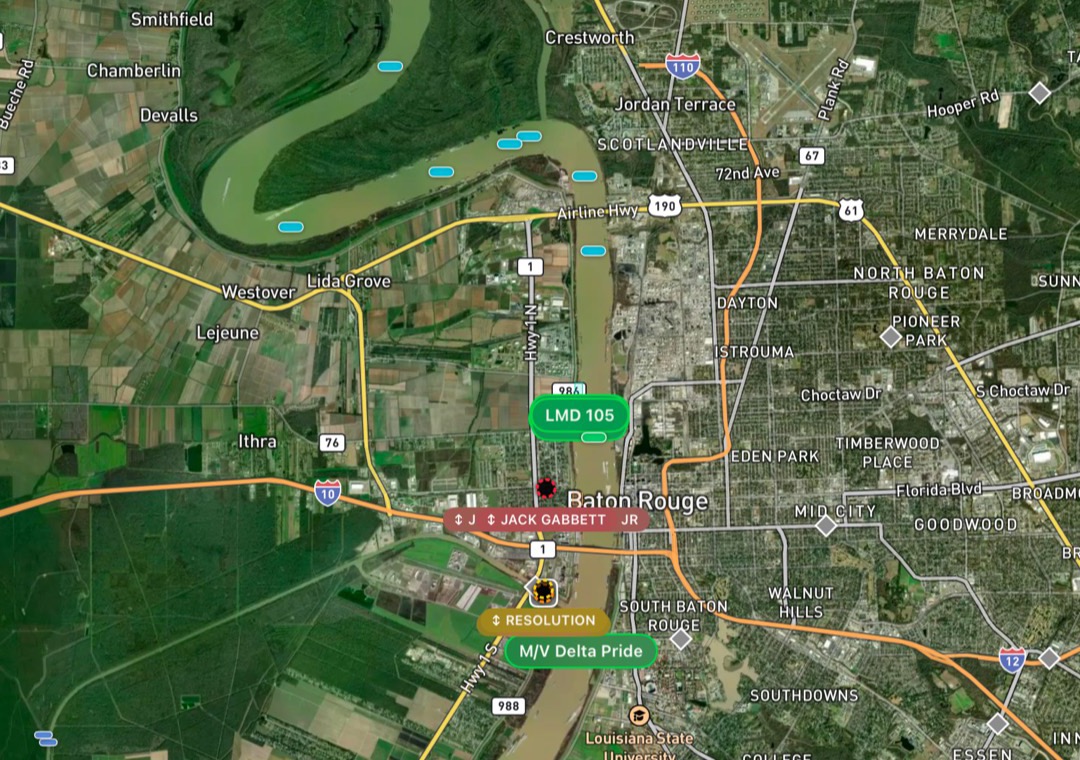
AIS targets show on the same map as your barges and boats. Tap one for its name, speed, heading and where it has been.
- Live AIS targets on satellite or chart view
- Your barges and boats on the same map
- Tap any tow for its details and track
Three steps
Hear it
Every BargeIQ tracker receives AIS and relays it, so coverage grows with every fleet that joins.
See it on the map
AIS targets show next to your own barges and boats.
Watch a boat
Pick vessels to watch. When one enters your zone, you get a push.
Included with every account
- Vessel name, speed, heading and history
- Watched-vessel arrival alerts
- Nearby towboats shown during breakaways
Fleeting crews get ready for the arrival instead of watching the river.
Common questions
Does my tracker transmit AIS?
No. Trackers receive AIS and relay what they hear. They do not broadcast your position on AIS.
Do I need a separate AIS receiver?
No. Every FleetIQ and FleetIQ Pro has an AIS receiver built in.
Which vessels show up?
Vessels that broadcast AIS, with their name, MMSI, speed, heading and recent track.
Can I get told when a certain boat arrives?
Yes. Add it to your watched vessels. When it enters one of your zones, the people you pick get a push.
Can other companies see my barges?
No. Your barges and boats are visible only to your company and to anyone you choose to share them with.
Works with
Geofences & fleeting zones
Outline fleeting areas, docks and terminals on a satellite map or import them from a spreadsheet.
Learn more →Breakaway response
Draw a stay-zone around each barge.
Learn more →River conditions
Live USGS gauges, NOAA river-current forecasts for 34,912 river reaches, USACE lock queues and stoppages, and weather radar, all on the map your crew already uses.
Learn more →See your fleet the way it should be seen.
Book a 20-minute demo with someone who has worked the river.